
CASE STUDY : The Path App
Making discipleship personal
Building a Cross-Platform Discipleship App for Churches Making Disciples Who Make Disciples
THE CHALLENGE
The Path discipleship material existed in print and PDF form, but Confluence churches needed a modern, interactive way to deliver it across both major mobile platforms. The app needed to:
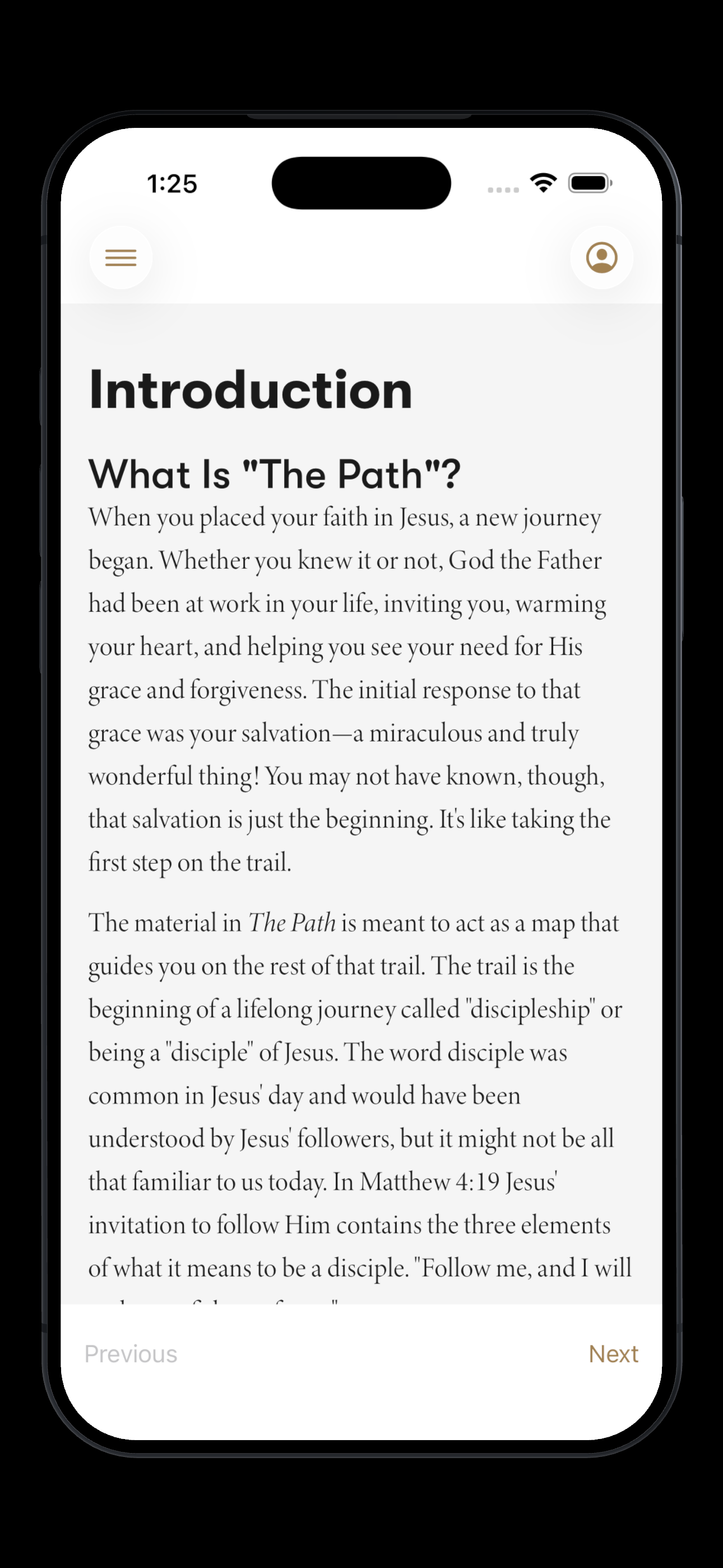
Present 33 chapters of rich content in a readable, distraction-free format
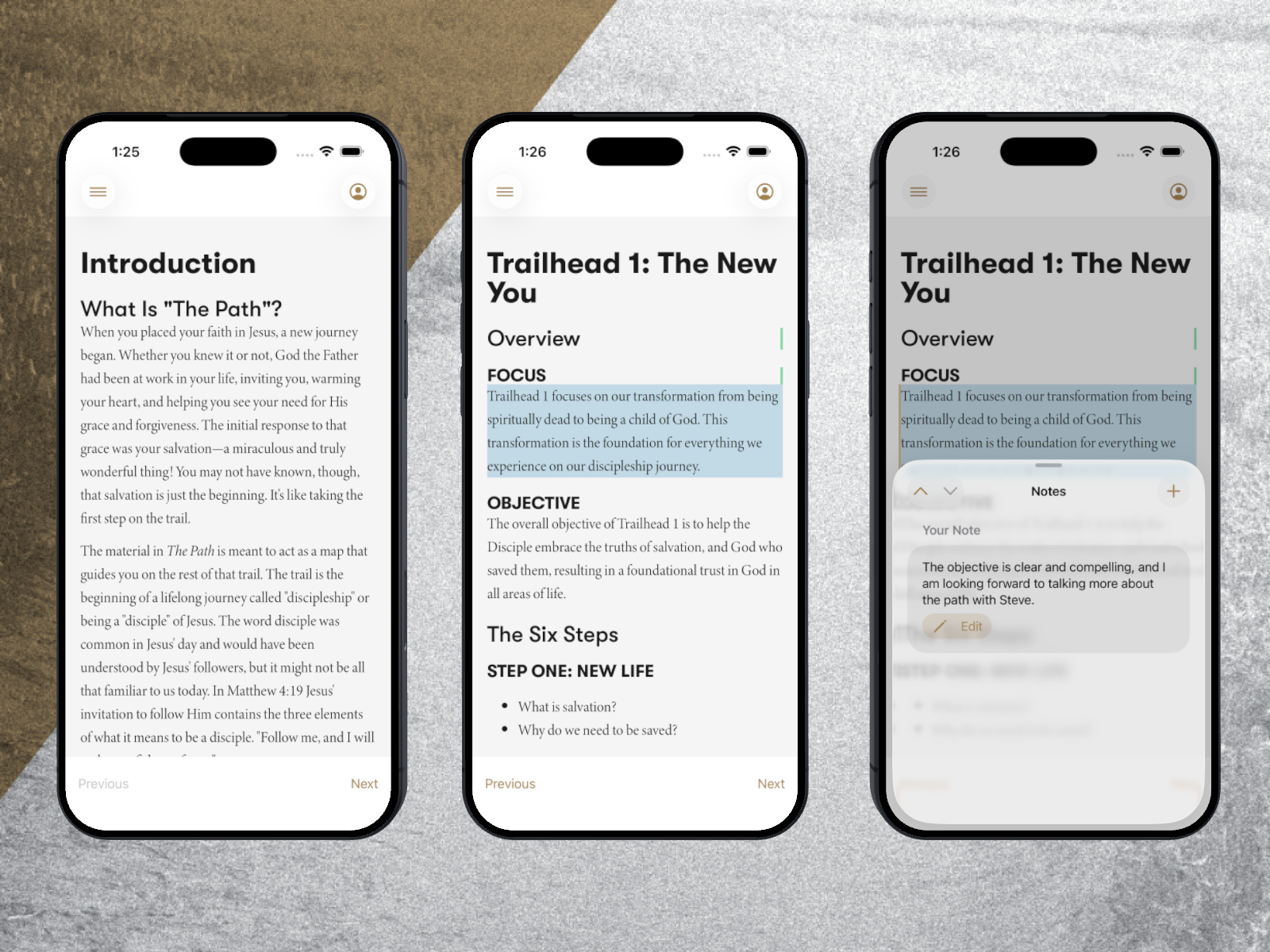
Let users highlight paragraphs and take personal notes tied to specific passages
Sync progress and notes across devices
Ship on both iOS and Android without maintaining two separate codebases
Keep the focus on the content and the relationship — not the technology
PROJECT OVERVIEW
The Path is a structured discipleship tool built for the Confluence family of churches. It guides people through four "Trailheads" — 33 chapters covering the foundations of following Jesus: salvation, identity, spiritual practices, and mission. The material is designed to be worked through relationally, one person guiding another, with the app serving as the map.
I built The Path as a cross-platform app using SwiftUI and Skip to ship natively on both iOS and Android from a single codebase.
Platforms: iOS & Android
Timeline: 5 months from start to launch
Tech: Swift 6, SwiftUI, Skip, Supabase, WebKit
Technical Implementation
Core Architecture
Swift 6 + SwiftUI — Modern Swift concurrency with async/await, MVVM architecture, and @Observable for clean state management
Skip — Single SwiftUI codebase compiles to native iOS and native Android, no separate Kotlin project needed
Supabase — PostgreSQL backend with row-level security, real-time sync, and built-in auth (Sign in with Apple + email/password)
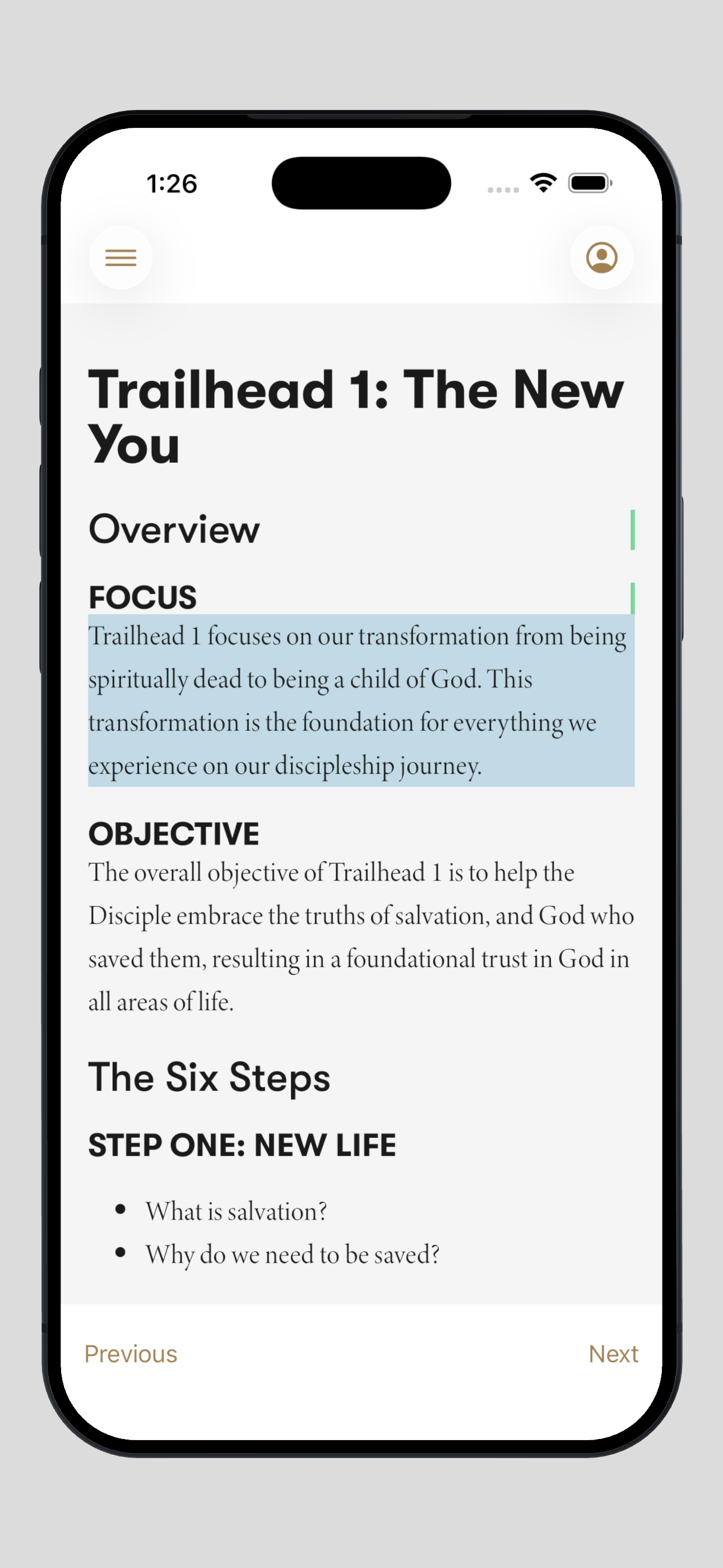
WebKit Rendering — Chapter content rendered as styled HTML with custom typography (New York serif body, SF Pro headings) and full light/dark theming
Content Pipeline — Source markdown converted through a custom build process into themed HTML for native rendering
NavigationStack — Path-based navigation for a fluid reading experience across chapters and trailheads
Swift Concurrency — Async/await throughout for networking, data sync, and background operations
Key Features Developed
Cross-Platform from One Codebase — Built with SwiftUI and Skip, shipping native apps on both iOS and Android
Structured Reading Experience — Four Trailheads with 33 chapters, rendered with custom typography and theming
Interactive Notes — Tap any paragraph to highlight it and add personal reflections, synced via Supabase
Progress Tracking — Picks up where you left off so you can read throughout the week
Sign in with Apple — Simple, secure authentication alongside email/password
Community-Ready Architecture — Designed with note sharing and group discipleship in mind
Development Process
This project sits at the intersection of my two worlds — 13 years of iOS development and over a decade in pastoral ministry. I designed the UX around how discipleship actually works: two people meeting regularly, reading together, reflecting individually, and sharing what they're learning.
Choosing Skip let me write SwiftUI once and deliver a genuinely native experience on Android — critical for reaching the full Confluence community without doubling the development effort. I used this project as an opportunity to modernize my workflow — leveraging AI tooling to accelerate development and automating build and deployment processes.
Every technical decision was filtered through one question: does this serve the discipleship relationship, or distract from it?
THE RESULTS
The Path delivers a complete discipleship experience on both iOS and Android from a single Swift codebase — making the material accessible to the full Confluence church community regardless of platform.
Technologies Used
Development: Swift, SwiftUI
Cross-Platform: Skip for transpiling to Android
Database: Supabase for data and syncing
Content Processing: XML/XSLT transformations, Python scripting
Development Tools: Xcode, Git, Github Actions, Android Studio, Claude Code